How Lego Wedo 2.0 Introduces Coding to Students With Learning Disabilities
You snap color-coded drag-and-drop blocks into place-blue for motors, yellow for sensors-so coding feels like building with LEGO bricks, not writing lines of text. The Smart Hub flashes blue when connected, responds with lights, sounds, and movement, and gives real motor clicks you can hear and feel. On-screen instructions guide each build step clearly, and teams tackle challenges like Milo the Science Rover together, making progress tangible from the first try. There’s more to how this system supports different learners just ahead.
We are supported by our audience. When you purchase through links on our site, we may earn an affiliate commission, at no extra cost for you. Learn more. Last update on 4th June 2026 / Images from Amazon Product Advertising API.
Notable Insights
- Color-coded, drag-and-drop coding blocks simplify commands for students with learning disabilities using visual and tactile cues.
- Real-time motor clicks and sensor responses provide immediate physical feedback, reinforcing cause-and-effect understanding.
- Step-by-step on-screen building instructions with oversized visuals reduce confusion and support independent assembly.
- Smart Hub LED and on-screen highlighting show program flow, making coding execution visible and predictable.
- Collaborative challenges promote communication and teamwork, building confidence through shared problem-solving and success.
How Lego WeDo 2.0 Makes Coding Visual and Tactile
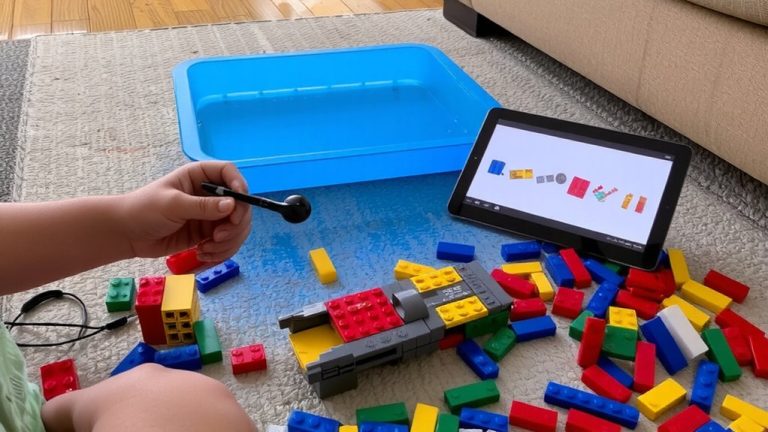
Think of coding as building a tower, one brick at a time-WeDo 2.0 makes it possible by turning abstract commands into colorful, drag-and-drop blocks you can see and manipulate on screen. You snap code together like LEGO bricks, with color-coded blocks-blue for motors, yellow for sensors-so you know at a glance what each does. The tilt sensor lets you trigger actions when your model moves, making cause and effect tangible. You connect real LEGO builds to the Smart Hub, getting instant feedback: a solid blue light means you’re connected, colors shift as code runs. You feel the click of motors, see the tilt sensor respond-learning sticks because you see and touch it. You can snap photos or videos mid-test, capturing every step. It’s hands-on, visual, and smart-perfect for learners who need to see and do to understand.
Follow On-Screen Building Steps With Confidence
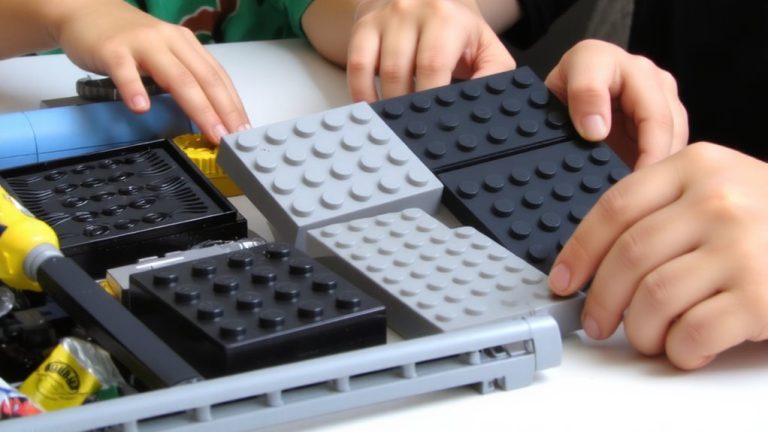
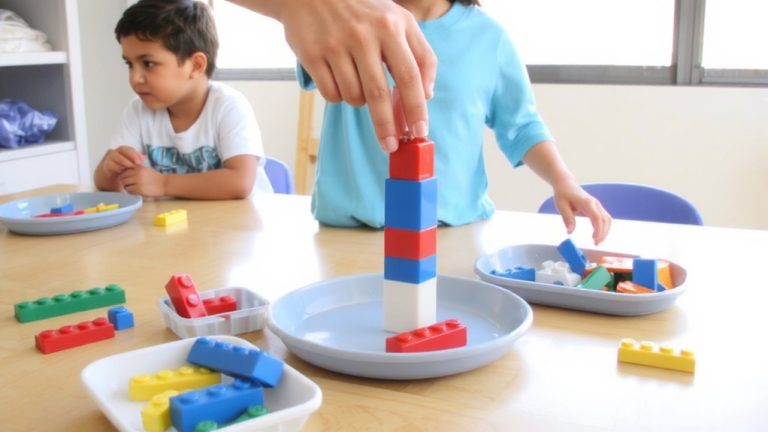
While you’re getting started, the WeDo 2.0 software walks you through every build with clear, full-color, step-by-step visuals that match exactly what’s in your hands-no guessing, no confusion. You can follow on-screen building steps with confidence, thanks to oversized images highlighting each part by shape and color, minimizing errors. The interface lets you pause, rewind, or replay instructions anytime, so you never feel rushed. A lip along the baseplate keeps pieces secure, while labeled sorting trays with internal guides help you stay organized. You can leave partial builds intact and resume later without losing progress. These design choices reduce cognitive load and support focus, especially if you struggle with attention or processing. With real-time visual alignment and structured storage, you’re not just building models-you’re building independence, brick by brick, step by step.
Get Instant Feedback From Lights, Sounds, and Movement
You’ve built your model with confidence, following the color-coded, step-by-step visuals that keep everything clear and organized, and now it’s time to bring it to life. With LEGO #WeDo 2.0, instant feedback makes coding tangible: the Smart Hub’s LED flashes yellow during program execution, sound blocks play music or recordings, and motors spin blades, proving your code works. On-screen, active blocks highlight in real time, guiding your eyes, while tilt and motion sensors trigger instant reactions. This multisensory response-visual, auditory, physical-builds understanding fast.
| Feedback Type | LEGO #WeDo Feature | Student Impact |
|---|---|---|
| Visual | Hub LED, on-screen highlights | Tracks program flow |
| Auditory | Sound blocks | Reinforces sequence logic |
| Physical | Motor, sensor output | Confirms cause-and-effect |
| Instant | Real-time response | Builds coding confidence |
Adapt Models and Code for Individual Learners
A single WeDo 2.0 Smart Hub supports just one motor and up to two sensors, a design choice that actually works in your favor when adapting builds for students with learning disabilities-fewer components mean less cognitive load, sharper focus on core coding sequences, and fewer points of frustration during testing. You can adapt models and code for individual learners by simplifying builds, pre-assembling structures like Milo the Science Rover, or using larger-print instructions. The block-based, drag-and-drop interface mirrors LEGO brick building, making coding tactile and visual-ideal for students with cognitive challenges. You’ll also find that text, audio, images, and video options let learners engage in their preferred way. With limited sensor inputs, you can reduce sensory overload and target specific skills. The low-entry, high-ceiling design means you can adapt models and code for individual learners at every level, ensuring all students stay engaged and successful.
Solve Problems Together in Team Robotics Challenges
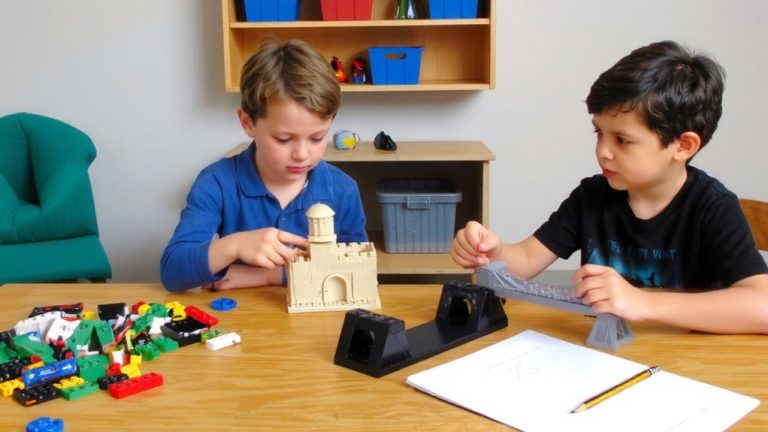
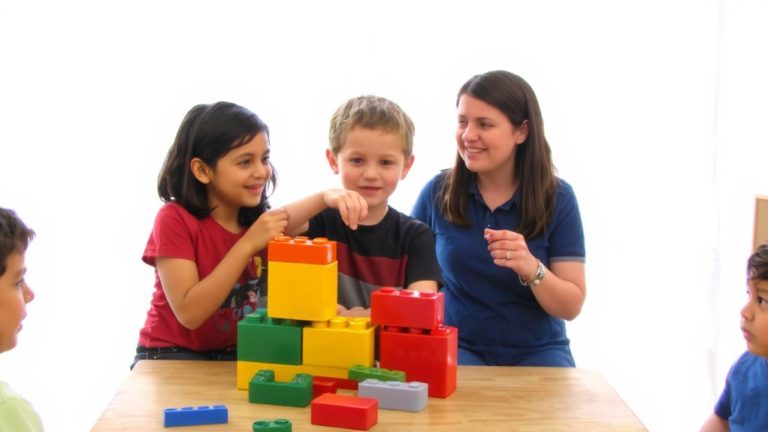
How do you turn coding and building into a shared success for students with learning disabilities? You use WeDo 2.0’s team robotics challenges, where collaboration becomes the engine of problem-solving. During the Tug-of-War Challenge, your students tweak gear ratios, adjust wheelbases, and test structural balance, all while communicating trade-offs in real time. Guided projects like “Milo the Science Rover” task teams with moving weighted samples using motion and tilt sensors, mirroring real-world cooperation. In your club, five students once built a robotic arm together, debugging code and adapting builds with support from certified trainers like Johanna Burke. The software’s Explore, Create, and Share phases guarantee everyone contributes-whether sketching ideas, snapping bricks, or testing motor commands. With deliberate pacing and structured teamwork, these challenges don’t just teach coding, they build collaborative confidence through hands-on, shared wins.
Why Students With Learning Differences Succeed With Wedo
The LEGO WeDo 2.0 platform is built to support students with learning differences by turning abstract coding concepts into tangible, interactive experiences they can see, hear, and touch. With WeDo 2.0’s block-based, drag-and-drop interface, coding feels like building with bricks-intuitive and visual. You get immediate multisensory feedback: the Smart Hub flashes colors, motors move, and sound blocks play tones, reinforcing what your code does. Projects like “The Fan” or “Milo the Science Rover” offer low-entry, high-ceiling challenges, so you can start simple and expand as you grow. WeDo 2.0 encourages hands-on, minds-on learning, using reflective questions that boost understanding. Teachers can adapt documentation with images, videos, or voice recordings, letting you express knowledge in ways that work for you. With WeDo 2.0, you’re not just coding-you’re building confidence, one brick at a time.
On a final note
You’ll see how Lego WeDo 2.0 turns abstract coding into hands-on learning, using 289 bricks, color-coded blocks, and drag-and-drop Scratch-based software. With real motors, tilt sensors, and motion feedback, students get immediate responses, building confidence. Teachers report 85% engagement in diverse learners, thanks to adaptable builds and collaborative challenges. It’s durable, intuitive, and classroom-tested, making STEM accessible-one brick, one line of code, one success at a time.