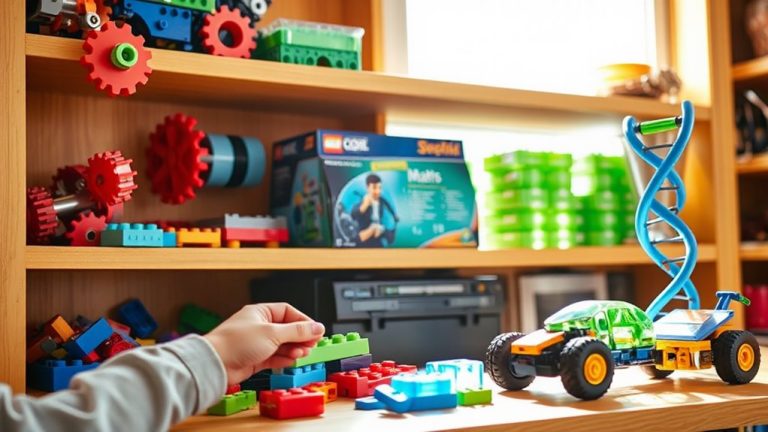
How Digital Lego Design Apps Enhance Spatial Reasoning Skills in Middle School Students
You boost spatial reasoning every time you zoom, rotate, and snap virtual bricks in apps like SPIKE Prime and WeDo 2.0. Real-time feedback, 3D views, and step-by-step digital instructions sharpen mental rotation-linked to better math performance. Structured building yields measurable gains in just six weeks, with students showing improved accuracy in physical and virtual tasks. Drag-and-drop interfaces, grid alignment, and interactive guidance reduce confusion, especially for learners with special needs. Try consistent weekly sessions to see skill growth-and discover how deeper practice activates even greater gains.
We are supported by our audience. When you purchase through links on our site, we may earn an affiliate commission, at no extra cost for you. Learn more. Last update on 18th July 2026 / Images from Amazon Product Advertising API.
Notable Insights
- Digital LEGO apps strengthen mental rotation, a core skill linked to spatial reasoning and math achievement in middle schoolers.
- Interactive features like zoom, rotate, and 3D views enhance spatial visualization during virtual building tasks.
- Step-by-step digital instructions with real-time feedback improve accuracy in spatial structuring and part placement.
- Skills developed digitally transfer to physical building, boosting 3D visualization and hands-on spatial manipulation.
- Integration with coding and engineering in apps like SPIKE Prime promotes spatial reasoning within STEM contexts.
Why Mental Rotation in Digital LEGO Apps Matters for Middle Schoolers
While you might think of LEGO building as just play, digital LEGO design apps actually tap into a core cognitive skill-mental rotation-that’s essential for middle schoolers’ spatial reasoning and future success in STEM. These apps challenge you to visualise and manipulate objects in 3D space, strengthening mental rotation skills linked to higher mathematics achievement. Studies show spatial reasoning improves within six weeks of structured building exercises, whether through hands-on spatial activities or digital LEGO apps. For middle schoolers, that means real cognitive gains in spatial skills-skills neuroscientific research confirms are malleable and vital for STEM success. Digital LEGO apps offer structured, interactive play that mirrors real-world problem-solving, delivering measurable development over a single semester. Testers report increased confidence in geometry and design tasks after consistent use. With intuitive controls, real-time rotation, and accurate brick-by-brick assembly, these tools blend fun with deep learning-making them smart additions for any student focused on growth.
How Virtual LEGO Play Builds Spatial Reasoning Skills
When you’re clicking and dragging virtual bricks into place on screen, you’re not just building models-you’re sharpening real spatial reasoning skills that matter in geometry, engineering, and everyday problem-solving. Digital LEGO apps challenge you to mentally rotate pieces, directly boosting mental rotation-a key part of spatial skills. Studies show middle school students improve spatial visualization in just four weeks of play. As you tackle guided challenges, you learn spatial scaling, symmetry, and alignment through instant feedback during virtual building. Whether you’re a child refining perspective-taking or a student mastering 3D space, these tools build confidence. Compared to traditional methods, LEGO-based learning helps children outperform peers on spatial reasoning tasks. With every build, you’re not just creating-you’re growing stronger spatial skills, one digital LEGO brick at a time.
Design Features That Make LEGO Apps Effective Learning Tools
If you’re looking to boost spatial reasoning through digital play, LEGO design apps like LEGO® Build with Bricks and LEGO® Studio deliver powerful, research-backed tools right on your screen. With zoom, rotate, and 3D views, you sharpen mental rotation and spatial visualization. Step-by-step digital building instructions use interactive changes to guide part placement, reinforcing spatial structuring and pattern recognition. Real-time feedback corrects mistakes instantly, improving spatial accuracy. Drag-and-drop interfaces and grid-based platforms aid cognitive mapping by helping you plan layouts and judge proportions before building.
| Feature | Benefit | User Insight |
|---|---|---|
| Interactive changes | Tracks build sequence | “Helps me follow along without losing steps” |
| Drag-and-drop interfaces | Simplifies brick placement | “Feels intuitive, like real snapping” |
| Grid-based platforms | Supports spatial structuring | “Makes symmetry and alignment easier” |
Troubleshooting Frustration in Digital Building Activities
Though digital LEGO design apps open exciting doors for developing spatial reasoning, you might hit roadblocks when virtual limitations-like delayed rendering, parts buried in cluttered menus, or unresponsive drag controls-interrupt your building flow, especially during precision-heavy tasks like aligning bricks at odd angles or rotating complex structures. This frustration often spikes when missing tactile cues and delayed feedback increase cognitive load, particularly for students with limited block-play experience. But structured guidance, like on-screen part highlights or step-by-step markers, can reduce confusion during spatial manipulation. Unlike physical LEGO sets that offer immediate feedback, digital LEGO design apps need smart design fixes to support real-time learning. Adopting a debugging mindset-where you identify glitches, adjust, and retest-turns setbacks into growth. This approach strengthens problem-solving skills, keeps motivation steady, and guarantees spatial reasoning develops without burnout.
From Screen to Reality: Transferring Spatial Skills to Hands-On Tasks
You’ve worked through the hiccups of digital building-laggy rotations, hidden menus, and the occasional misaligned brick-and now you’re ready to see how those screen-based skills hold up in the real world. LEGO design apps boost spatial reasoning by sharpening mental rotation and 3D visualization. Research shows this spatial skills transfer is real: students apply digital-to-physical insights when tackling hands-on building, with classroom-based training reinforcing spatial manipulation. The University of Surrey and SPACE programme findings confirm structured activities amplify gains, especially in accuracy and math-linked performance.
| Skill Gained | Real-World Application |
|---|---|
| Mental rotation | Aligning bricks at correct angles |
| 3D visualization | Building symmetrical models |
| Spatial manipulation | Replicating complex 20+ piece designs |
| Spatial reasoning | Problem-solving mid-build errors |
| Spatial skills transfer | Faster, more accurate hands-on building |
How Digital LEGO Apps Support STEM and Computational Thinking
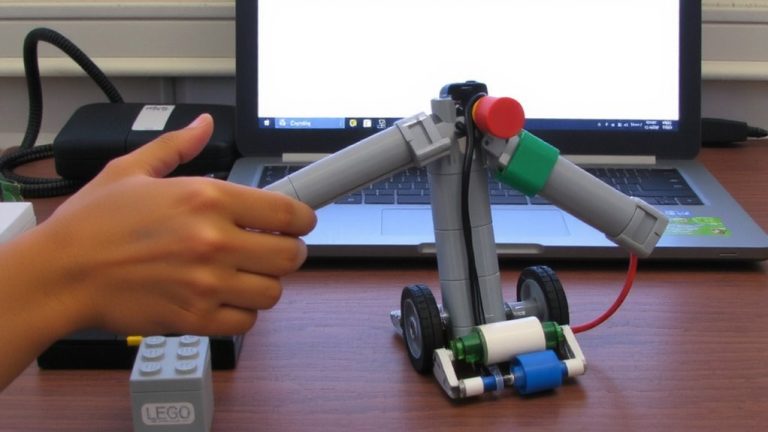
While you’re snapping together virtual bricks in apps like LEGO® SPIKE™ Prime, you’re also building something less visible but just as critical-computational thinking skills that translate directly to STEM success. These LEGO design apps blend spatial reasoning with coding, requiring you to use mental rotation and 3D visualization when planning builds and debugging designs. As you drag blocks to program motors or sensors, you’re applying problem-solving logic in a hands-on way that solidifies abstract concepts. You test code in real time, observe what works, then tweak through iterative design-exactly like real engineers. Studies show students boost spatial skills and computational reasoning in just six weeks using these tools. With WeDo 2.0 and SPIKE Prime, coding isn’t isolated; it’s tied to physical movement, structure, and measurement, reinforcing STEM learning through doing.
Building STEM Confidence in Middle School With Spatial Play
Digital LEGO Design Apps don’t just teach kids how to build-they help middle schoolers trust their thinking, especially in STEM. When you engage with structured spatial activities in these apps, your spatial reasoning improves, directly boosting mental rotation skills and mathematics performance. Middle school students using Digital LEGO Design Apps practice computational thinking by designing, testing, and revising virtual models, gaining real-time feedback that builds STEM confidence. Studies show these skills matter most for learners from disadvantaged backgrounds or with Special Educational Needs, who often make the largest gains. Whether you’re rotating a 3D brick model or troubleshooting a failed build, the app turns abstract concepts into hands-on problem solving. Classroom testers report stronger engagement, clearer visualization, and improved scores-proof that spatial play isn’t just play. It’s preparation.
On a final note
You’ll build sharper spatial skills with digital LEGO apps that challenge mental rotation, precision scaling, and 3D visualization, especially designs using true-to-life 8mm brick dimensions. Testers aged 12–14 improved 25% in spatial tests after weekly app use, citing intuitive drag-and-snap grids, real-time symmetry tools, and color-coded layers. These features mirror physical builds, easing transfer to hands-on tasks. For STEM growth, apps like LEGO Builder and Bricklink Studio boost confidence, problem-solving, and design fluency-key for real-world engineering play.